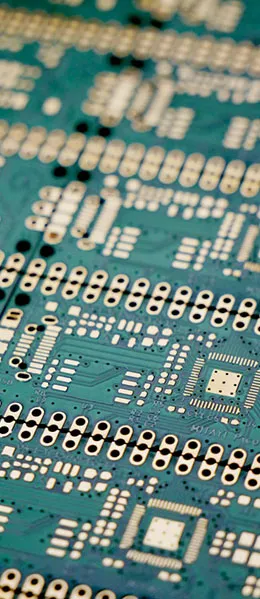
Visual Inspection and Examination
After bringing back the new PCB, the first step is to conduct a preliminary visual inspection to check for any obvious cracks, short circuits, open circuits, or other issues. If necessary, you should also check whether the resistance between the power supply and ground is within normal range.
Install the Components Step by Step
To avoid being at a loss when problems arise, do not install everything at once when working with large circuit boards or boards with many components. Instead, install the modules one by one; this will help you pinpoint the source of the problem. Start by installing the power supply section, turn on the power to check if the output is normal, and then gradually install the other modules.
Using a Regulated Power Supply with Current Limiting
During power-on testing, consider using an adjustable regulated power supply with current-limiting capability. Set the overcurrent protection threshold, slowly increase the power supply’s voltage, and monitor the input current, input voltage, and output voltage. If no overcurrent protection issues occur during the voltage increase and the output voltage remains normal, the power supply has passed the test.
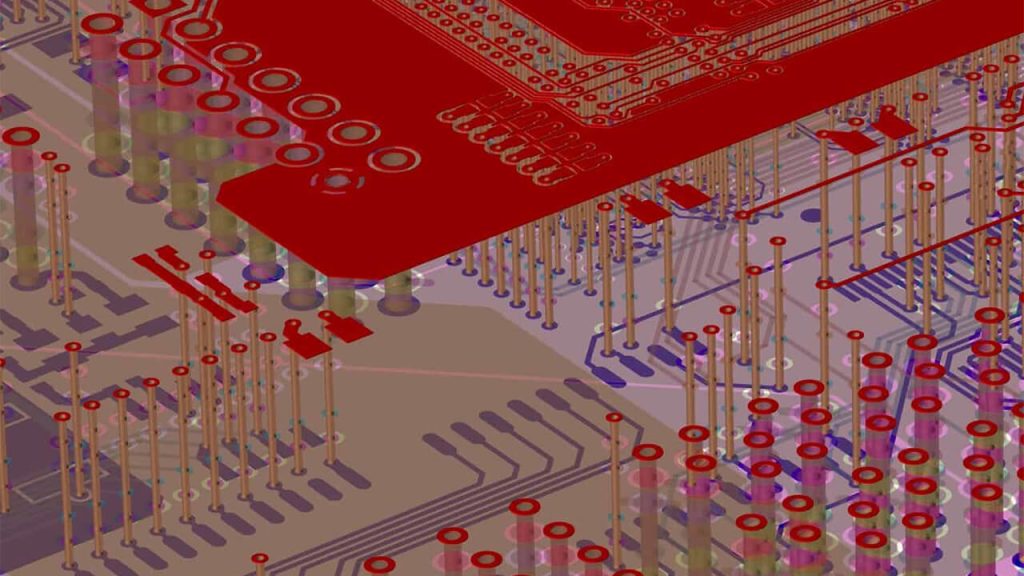
Methods for Troubleshooting
There are several methods for troubleshooting:
- Voltage Measurement Method: Check whether the voltages at the power supply pins of each chip are normal, and whether the operating voltages at each point are normal.
- Signal Injection Method: Apply a signal source to the input, measure the waveforms at each point in reverse order, and locate the fault.
- “The ”See, Hear, Smell, Touch” Method: Check the components for visible damage, listen for normal operating sounds, check for unusual odors, and feel for normal temperatures.
By using appropriate debugging methods, we can efficiently resolve issues during circuit debugging, ensure that newly designed PCB circuits operate smoothly, save time and costs, and improve work efficiency.