In the field of modern electronics, PCB (Printed Circuit Board) design plays a crucial role. Designers often use manual layout techniques to create these circuit boards, a method that offers numerous advantages and follows specific principles. This article will summarize some key principles of manual layout, which we hope will be helpful to designers.
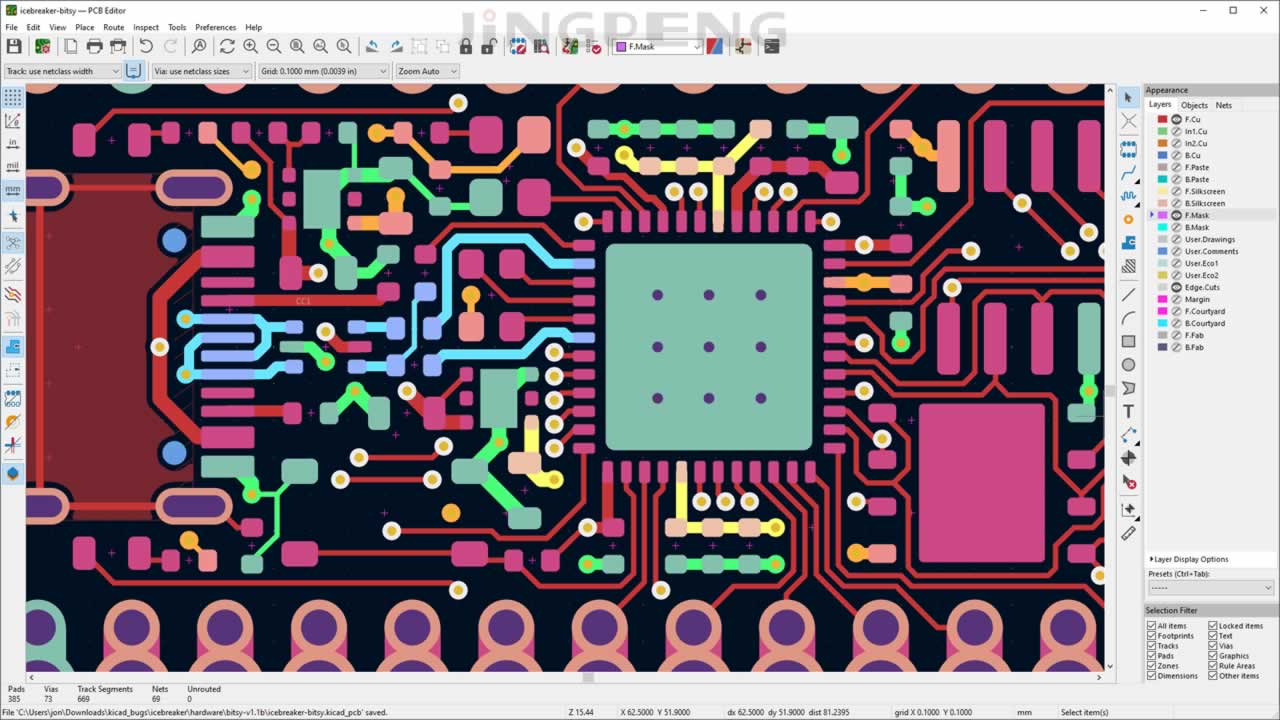
1. Basic Rules of Layout
1.1. Place Components Close Together
Once the external connections on the PCB have been determined, the relevant circuit sections should be placed as close together as possible to avoid unnecessary routing. Particular care should be taken to avoid crisscrossing between different circuit units. Each circuit unit should be laid out with its core component at the center.
1.2. Aesthetics and Neatness
While ensuring the functionality and performance of the circuit, components should be arranged evenly, neatly, and compactly, with an appropriate balance between dense and sparse placement. The spacing between identical components should be consistent, and they should be aligned parallel to one another to achieve a layout that is “compact without being crowded, neat without being disorganized, and balanced without being top-heavy or bottom-heavy.”
1.3. Considerations Regarding the Process
The design must take into account requirements related to manufacturing, testing, and maintenance. This includesComponentsThe order and orientation of the components, as well as the spacing between lines and between lines and pins.
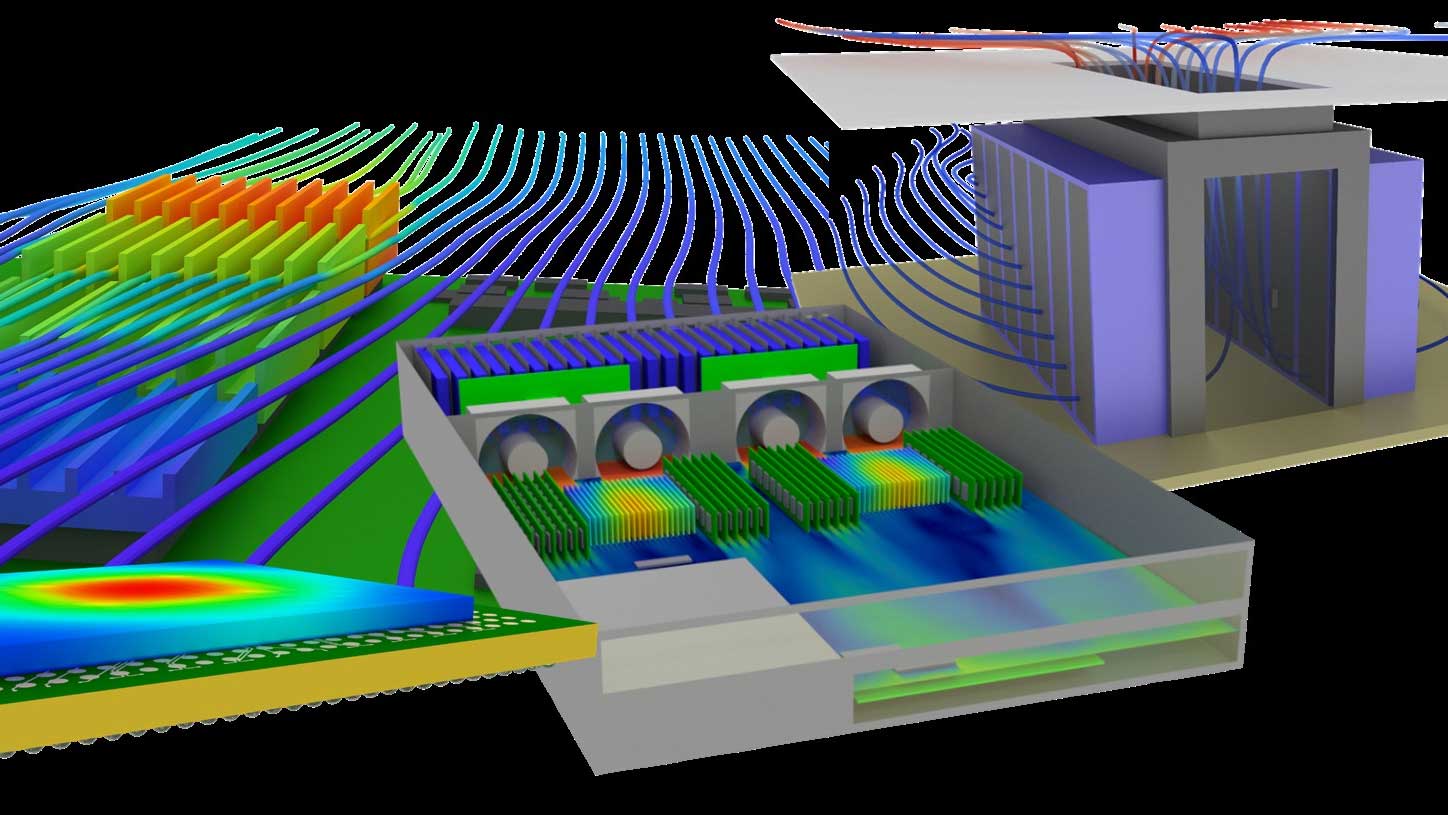
1.4. Heat Dissipation Considerations
Heat-generating components should be positioned to facilitate heat dissipation. Heat-generating components should not be mounted directly against the board; they should be equipped with heat sinks. Thermosensitive components should be kept away from heat-generating components to prevent interference.
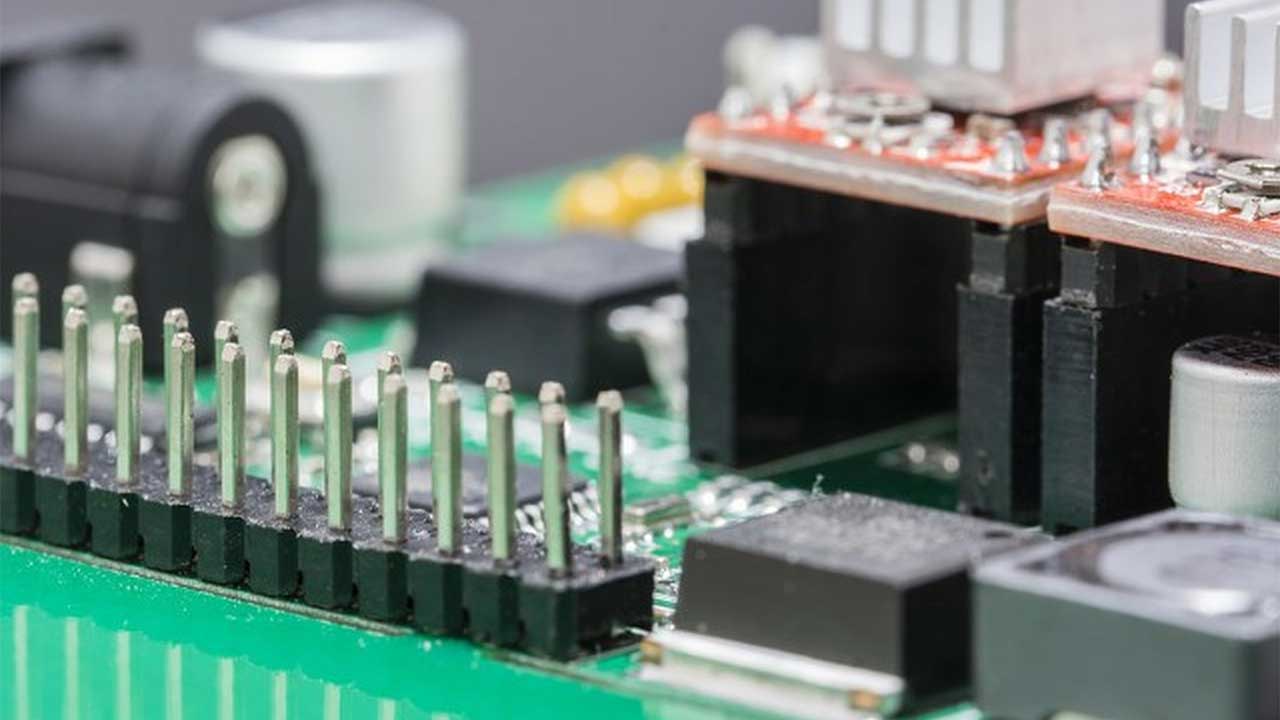
2. Handling Special Components
2.1. Installing Brackets or Fasteners
For larger or heavier components, additional brackets or fasteners should be added rather than welding them directly to the PCB.
2.2. Consider the Layout of Adjustable Components
When designing the layout, take into account the placement of adjustable components to allow for future adjustments.
2.3. Keep in a fixed location
For circuit boards that need to be secured, provide spaces for fasteners and take ease of installation into account.
3. Placement of Key Components
3.1. Location of Input and Output Devices
Input and output devices should be placed along the edges of the board for ease of use.
3.2. Button Locations
The button should be placed at the bottom of the board, and there should be no components around it that are higher than the button.
3.3. Location of the Core Processing Chip
The core processing chip should be placed in the center of the board to ensure circuit stability.
3.4. Placement of Display Components
Display components can be placed in the center of the board or directly above it for easy viewing.
3.5. Input and Output Layout
When there are inputs and outputs, the layout should follow the "left-in, right-out" principle.
4. Board Size and Arrangement Order
4.1. Planning the Board Size
The size of the board should be determined based on principles such as cost-effectiveness, a reasonable and aesthetically pleasing component layout, ease of fabrication, and clean, orderly routing. Generally, a rectangular shape is the preferred choice.
4.2. Order of Arrangement
When arranging components, start with the larger ones to prevent them from taking up too much space. After placing the integrated circuits, arrange the other discrete components around them, giving priority to the main circuit components.
In practice, following the steps below in this order yields the best results:
- Define the interface first: Components subject to structural constraints—such as connectors, switches, and indicator lights—should be positioned in their fixed locations first.
- Finalize the large components: Placeholder components such as transformers, large capacitors, and heat sinks.
- Place the core IC: Determine the locations of the main control, memory, and power supply chips based on the signal flow.
- Fill in some standing components: Place decoupling capacitors, resistors, and ferrites around the IC; decoupling capacitors must be placed close to the corresponding power supply pins.
- Final touches on the details: Adjust the screen printing, the orientation of part numbers, and the distance between the no-print zones and the board edges.
5. Basic Wiring Standards
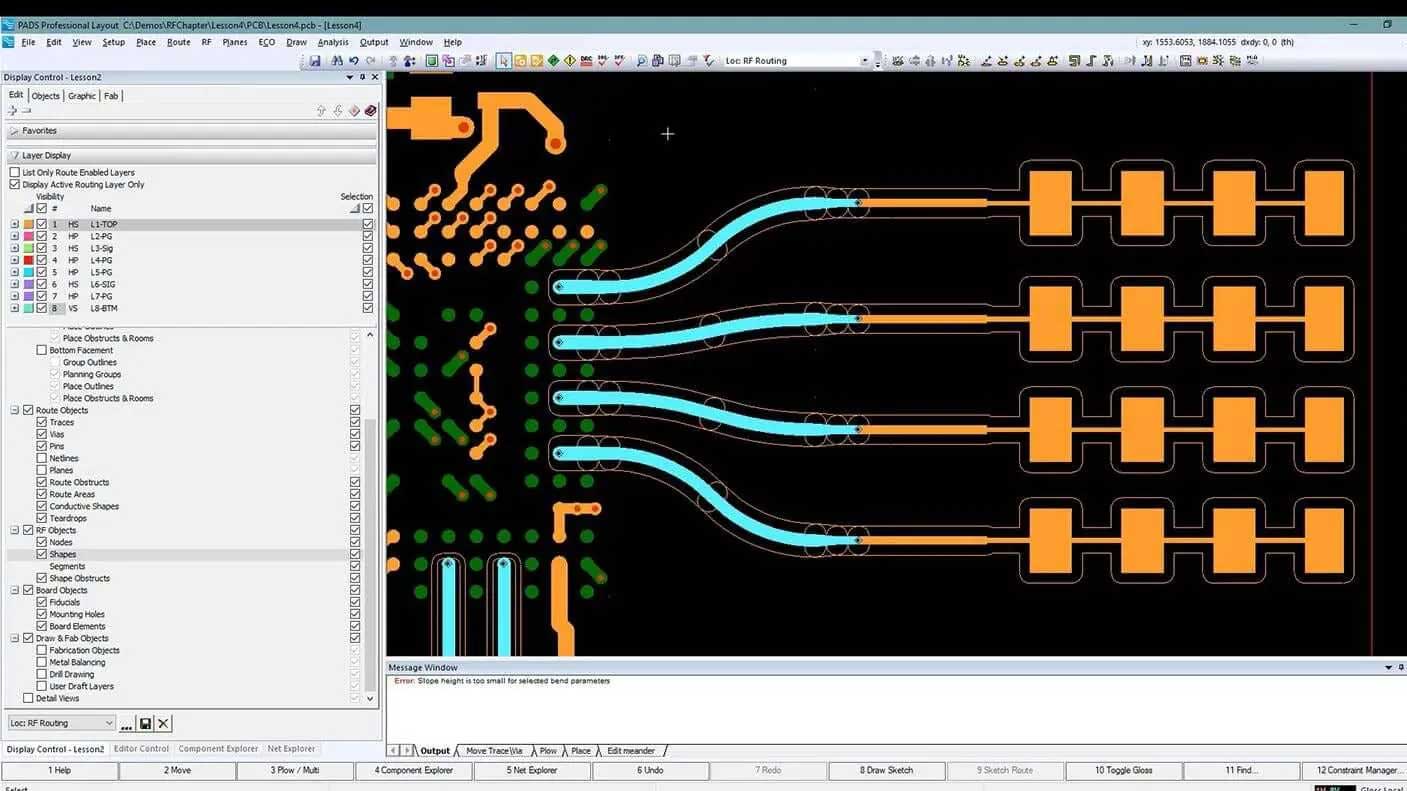
5.1. Use 45° routing
When routing cables, avoid sharp angles and right angles; routing cables at a 45° angle helps reduce signal interference.
5.2. Pay Attention to the Power Cord and Ground Wire
Power and ground wires should be as short as possible and of sufficient gauge; additionally, the ground and power supplies for the analog and digital sections must be isolated from each other to improve performance.
5.3. Processing of Differential Signals
For differential signals that appear in pairs, the traces should be routed in parallel, and the use of vias should be minimized to ensure impedance matching.
6. Is Manual Layout Still Necessary? The Limits of EDA Automatic Layout
Today’s EDA tools all include automatic placement and routing features, but what truly determines whether a board is user-friendly is precisely what automated tools cannot handle. Understanding the division of labor between the two will help you avoid wasting time on the wrong things:
- What the tool excels at: Batch fanout according to rules, length tuning, DRC checks for spacing and line width, copper fill, and copper trimming.
- Requires manual decision-making: Circuit module partitioning; methods for separating analog and digital ground planes; power paths and the placement of decoupling capacitors; the relative positioning of heat-generating components and thermosensitive components; and the coordination between connectors and the circuit layout.
- The Most Effort-Saving Workflow: First, manually place and lock (fix) the key components and partitions; then let the tool handle the remaining routine tasks; finally, manually review the DRC and DFM checklists.
In other words, automatic routing ensures “connectivity,” while manual layout ensures “usability, ease of implementation, and ease of maintenance.” In high-speed and RF design, the latter is virtually the deciding factor between success and failure. SeeBasic Rules for PCB Routing: Design Guidelines and Best Practices。
7. Key Design Parameters: Line Width, Spacing, Pads, and Vias
Once the layout is finalized, the following set of parameters determines whether this board can be manufactured using standard processes and whether the resulting board will be stable. The first table provides reference values for current-carrying capacity under conditions of 1 oz (35 μm) copper thickness, outer layers, and a temperature rise of 10 °C:
| Wire Width | Cross-sectional Area (1 oz) | Reference Current-Carrying Capacity (10 °C Temperature Rise) | Typical Applications |
|---|---|---|---|
| 6 mil / 0.15 mm | Approximately 0.005 mm² | Approximately 0.35 A | Signal Lines (Fine-Pitch) |
| 10 mil / 0.25 mm | Approximately 0.009 mm² | Approximately 0.55 A | Standard Signal Cables |
| 15 mil / 0.38 mm | Approximately 0.013 mm² | Approx. 0.80 A | Standard Signals and Low-Current Power Supplies |
| 20 mil / 0.50 mm | Approximately 0.018 mm² | Approximately 1.05 A | Power Distribution Line |
| 50 mil / 1.27 mm | Approximately 0.044 mm² | Approx. 2.30 A | Main Power Line |
| 100 mil / 2.54 mm | Approximately 0.089 mm² | Approx. 4.00 A | High-current paths (recommended to be supplemented with copper plating) |
The second table lists the minimum parameters that can be used directly under standard manufacturing processes; confirmation of capability with the PCB manufacturer is required only when these limits are exceeded:
| Project | General Skills | Note |
|---|---|---|
| Minimum Line Width / Line Spacing | 6 mil / 6 mil (0.15 mm) | Values below this require precision manufacturing, which increases costs. |
| Recommended Line Width / Line Spacing | 8–10 mil | Balancing Yield and Cost |
| Minimum Annular Ring | 4 mil (0.10 mm) | The smaller the size, the more prone it is to hole breakage; BGAs must be tested to confirm this. |
| Minimum Hole Diameter for Mechanical Drilling | 0.20 mm (8 mil) | Recommended pore-to-plate-thickness ratio: ≥ 1:8 |
| Minimum Hole Diameter for Laser Drilling | 0.075–0.10 mm | HDI blind vias; see the Process Capabilities page |
| Minimum Clearance from the Edge of the Panel | ≥ 0.30 mm | V-CUT and Allowances for Edge Milling |
| Screen-Printed Text Height | ≥ 0.80 mm | If the value is lower than this, the print will be unclear. |
For vias, standard through-holes (PTH) should preferably be 0.30/0.60 mm (hole/board) or 0.25/0.50 mm; Hole diameters below 0.20 mm place higher demands on drilling and plating capabilities and should only be used when board density leaves no other choice; the thickness-to-diameter ratio must be confirmed with the board manufacturer in advance. For more capability limits, seeProcess Capabilities。
8. Challenges and Solutions for Single-Sided Boards
8.1. Route the traces around obstacles whenever possible
In single-sided PCB design, it is common for traces to encounter situations where they cannot be routed through. One solution is to route the traces around the obstruction as much as possible, unless high-frequency signal transmission is involved.
8.2. Reducing Pad Width
In some cases, it is actually possible to route at least one narrow trace between adjacent pads, which requires appropriately reducing the width of the pads.
8.3. Adjusting the Wiring Order of Component Pins
Sometimes, you can adapt the layout by adjusting the order in which the connections between the various pins of a component are routed.
8.4. Connecting with a 0-Ω Resistor
If necessary, a 0Ω resistor can be used to bridge the connection, and multiple wires can be connected below. This method is both aesthetically pleasing and practical, and is a recommended solution.
These four methods should be considered in order of priority; we recommend trying them in the sequence listed below, as the earlier methods involve lower costs:
- Go around first: Adjusting the route incurs no cost, so this should be the first option to try.
- Adjust the pin order again: Provided that the circuit design allows it, swap pins of the same type (such as resistor arrays and logic gates); this can be resolved by modifying the schematic.
- Rear-mounted pad: Slightly reduce the width of non-critical pads to create space; ensure that soldering yield is not affected.
- Finally, add the jumper: Connecting the components with a 0Ω resistor and adding an extra surface-mount process for the material is a fallback solution.
9. Basic Requirements for Wiring
9.1. Wire Width
The minimum trace width should be 10 mil (0.254 mm). Generally, trace widths range from 15 to 25 mil (0.381 to 0.635 mm).
9.2. Distance Between Wires
The minimum spacing between traces is 8 mil (0.2032 mm). In denser layouts, the spacing between traces can be as small as 8 mil; however, in general, a spacing of at least 10 mil (0.3048 mm) is recommended.
9.3. Outer Diameter of the Pad
The pads should be as large as possible and preferably oval in shape. The pad apertures should be small enough to ensure better alignment during the board fabrication and drilling stages.
The following are the most common mistakes made during the routing phase—and the ones most easily overlooked in DRC checks:
- Using Pads as Traces: Treating the copper foil or pad as part of the wire causes heat to dissipate too quickly during soldering, resulting in cold solder joints.
- Line Width Sudden Change: When a cable in the same circuit suddenly transitions from a thick section to a thin section, the voltage drop is concentrated in the thin section, resulting in significant heat generation under high current conditions.
- The horizon is split: When a long slot is cut into the ground plane to route a single signal line, the return path is forced to take a detour, causing EMI to increase.
- Screen-Printed Solder Pads:丝印油墨落在焊盘上会影响可焊性,投板前需统一检查并关闭该项输出。
10. 散热与载流:铜厚、铺铜与过孔阵列
发热与压降是硬件返工的两大来源,布局阶段就能提前化解大半:
- 铜厚选择:常规 1 oz(35 μm);电源板、电机驱动、LED 常用 2 oz(70 μm);3 oz 及以上属于厚铜工艺,蚀刻后的线宽补偿需单独确认。
- 铺铜与散热焊盘:发热器件底部开窗露铜并加散热过孔阵列,孔径 0.30 mm、间距 1.0–1.2 mm,把热量导到内层或背面铜皮。
- 过孔数量估算:大电流换层时,单个 0.30 mm 过孔按约 0.5–1 A 保守取值,宁可多打几个也不要赌单点。
- 器件间距:电解电容、电感等热敏件与发热源保持 3 mm 以上,必要时开隔热槽。
电源与地的处理还要配合板材的耐压与耐热等级一起考虑,选材逻辑可参考PCB Material Properties to Consider in Circuit Board Design。
11. 投板前的自检清单
把下面八项在发板前过一遍,能挡掉大部分因为「设计能画出来但做不出来」导致的返工:
- DRC 全项清零,且规则已按目标板厂的工艺能力设置(不是软件默认值)。
- 所有器件封装与实物核对过,特别是极性、引脚 1 标识与焊盘尺寸。
- 层叠结构、板厚、阻抗要求与板材型号已写入制板说明。
- 电源与地路径的载流核算完成,大电流路径已铺铜或加厚。
- 去耦电容紧贴电源引脚,回流路径连续、未被分割地切断。
- 丝印位号不被焊盘遮挡,板边禁布区与安装孔间距满足要求。
- Gerber 与钻孔文件齐全,层别命名正确,含板外形层。
- 拼板方式、工艺边、V-CUT 或邮票孔已与板厂确认。
12. 结论
成功的PCB设计源于艺术与科学的完美结合。遵循这些基本原则,将有助于创建出功能强大、性能卓越的电路板,提高制作的可行性,减少不必要的麻烦。最终,一个精心设计的PCB将为电子项目的成功提供坚实的基础。
13. 常见问题解答
1. PCB设计中最常见的问题是什么?
最常见的问题之一是导线无法走通,特别是在单面板设计中。
2. 如何解决导线无法走通的问题?
可以尝试绕行无法走通的导线,减小焊盘宽度,调整元器件管脚连线顺序,或者使用0Ω电阻跨接。
3. PCB设计中是否需要考虑阻抗匹配?
是的,对于成对出现的差分信号,应特别注意阻抗匹配。
4. 为什么要将焊盘形状设计成椭圆形?
椭圆形焊盘具有更好的制板和钻孔对准性,有助于提高制作质量。
5. 有没有推荐的导线宽度和线间距?
导线宽度最小应为10mil(0.254mm),线间距最小应为8mil(0.2032mm),但在一般情况下建议更大一些。
6. 导线宽度按什么标准取?只看载流够不够?
不够。导线宽度要同时满足三个条件:载流能力(按铜厚与允许温升核算)、工艺能力(不低于板厂最小线宽)和阻抗要求(高速信号按叠构反算线宽)。三条里取最严格的一个。常规信号线按 8–10 mil 起步基本不会出错,电源与地则必须单独核算电流。
7. 为什么禁止直角走线?
直角处线宽实际变宽,阻抗出现不连续,高速信号会产生反射;同时直角外侧在蚀刻时容易形成锐角残留,长期可靠性较差。改用 45° 或圆弧走线后,阻抗过渡平缓,信号完整性与可制造性都更好。GHz 级信号建议直接用圆弧。
8. 单面板走不通时,改用双面板的成本会增加多少?
同等尺寸与工艺下,双面板价格通常比单面板高出 30%–60%,因为多了压合、沉铜与图形电镀工序。但如果单面板需要大量跳线(0Ω 电阻或飞线)才能布通,综合算上物料、装配与故障率,双面板反而更划算。走线密度超过单面可容纳的八成时,就该考虑改双面板。
Related Recommendations:PCB Material Properties to Consider in Circuit Board Design · Basic Rules for PCB Layout and Routing